It’s 11 p.m. Your literature review is due in three weeks. You’ve got 40 browser tabs open, a Half-finished outline, and a professor who put “no AI-generated content” in bold letters on the syllabus.
The best free AI tools for literature review in 2026 include Semantic Scholar, Elicit, Consensus, and NotebookLM. Each tool searches real Academic databases and shows its sources, instead of generating Text from Memory like ChatGPT does. This helps students avoid fake citations, save research time, and stay within academic integrity rules.
Here’s the thing nobody tells you in that Syllabus warning there’s a massive Difference between using AI to write your literature review and using AI to find and organize the sources for it. One gets you flagged. The other is just research, done faster. Researchers using AI Assisted Literature review methods report cutting screening time significantly while keeping academic quality intact, According to multiple 2025-2026 studies on AI-assisted research workflows.
If you’re staring down a Thesis chapter, a semester paper, or a systematic review with a Deadline that feels impossible, This guide walks you through nine free AI tools for literature review that Actually cite real papers plus how to use them without triggering a single academic integrity flag.
Will Using AI Tools Get Your Literature Review Flagged?
Short Answer: Not if you use the right kind of tool the right way. Your professor’s “no AI-generated content” rule is almost always about AI writing your sentences, not AI helping you find sources.
Think about it like a calculator. Nobody accuses a student of cheating on a Math Test for using a calculator to add numbers the concern is whether you understand the Math, not whether you pressed buttons. AI tools for literature Review work the same way. They search Databases, summarize papers, and organize findings. You still have to read the key papers, evaluate the arguments, and write the actual analysis in your own words.
The tools on this list are different from ChatGPT in one critical way they cite real, verifiable sources instead of Generating text from Memory. That distinction matters Enormously to your professor, even if they never say it explicitly.
Most Universities now have written AI policies that distinguish between AI-Assisted research and AI generated writing Cambridge, for Example, allows students to use AI tools for personal study and research support, while still requiring original analysis and writing. Check your own university’s policy but in general, using a tool to discover 50 relevant papers is Treated very differently than asking ChatGPT to write your discussion section.
The one Thing you should never skip Disclosure. If your department asks you to note which tools you used, a single sentence in your Methodology section (“Literature search was supported by Semantic Scholar and Elicit, with all sources manually verified”) covers you completely.
The 100% Free Stack (No Credit Card Required)
If you don’t have time to evaluate nine different Tools tonight, here’s the shortcut. These four cost nothing, Require no credit card, and cover the entire research process from search to summary.
- Semantic Scholar — unlimited free search across 200+ million papers, No account needed
- Consensus — Free tier for quick yes/no research questions
- NotebookLM — Free during preview, source-grounded summaries of anything you upload
- Connected Papers — 5 free citation graphs per month, great for visualizing a research area
Start with Semantic Scholar to find your initial papers, drop the PDFs into NotebookLM to get organized summaries, and use Consensus when you need a fast gut-check on what the research actually says about a specific claim. That’s a full research workflow without spending a dollar.
9 Free AI Tools for Literature Review, Ranked
This list focuses on tools with genuinely usable free tiers not products that dangle one free search before locking you into a paywall.
1. Semantic Scholar
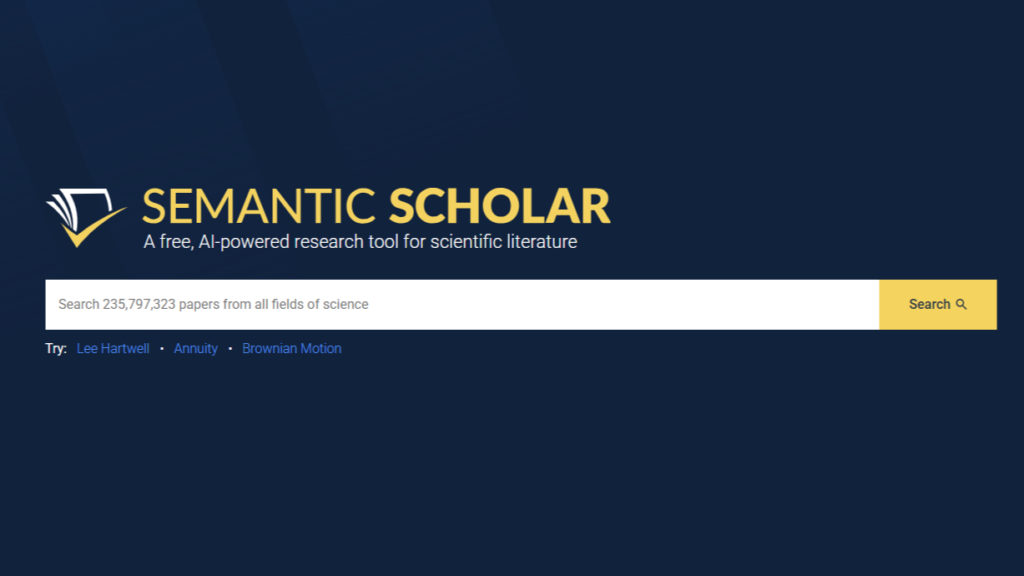
Semantic Scholar is built by the Allen Institute for AI and indexes over 200 Million Academic papers across every discipline. It’s the closest thing to a free, AI-powered Google Scholar.
Its standout feature is the “TLDR” function a one-sentence, AI-generated summary that sits right in your search results, so you can scan dozens of papers in minutes instead of opening each one. The citation graph also shows you which papers influenced which, helping you trace how an idea developed over time.
- Completely free, no login required for basic search
- TLDR summaries for instant relevance checks
- Citation tracking shows influential and recent work
- Mobile app available for offline reading
Best for: the very first stage of your search, when you’re still figuring out what’s even out there. Limitation: summaries occasionally miss field-specific nuance, so don’t skip reading your top 10-15 papers in full.
2. Elicit (Free Tier)
Elicit Answers research questions by pulling structured data directly from papers, rather than just returning a list of links. Ask it something specific “What are the documented effects of sleep deprivation on memory consolidation in college-age adults?” and it extracts findings, methods, and sample sizes from Matching studies into a comparison table.
The free tier gives you a working number of credits each Month, enough for a solid first pass on a thesis chapter. Every claim Elicit generates is tied to a sentence level citation from the actual paper, which is exactly the kind of source traceability your professor wants to see.
- Extracts findings into comparable formats across studies
- Sentence-level citations for every AI-generated claim
- Free tier covers roughly 50-100 paper analyses monthly
- Exports results to CSV for your own organization
Best for: systematic comparison once you’ve narrowed down to 20-30 key papers. Pro tip: ask narrow, specific questions instead of broad topics you’ll get sharper, more usable results.
3. Consensus
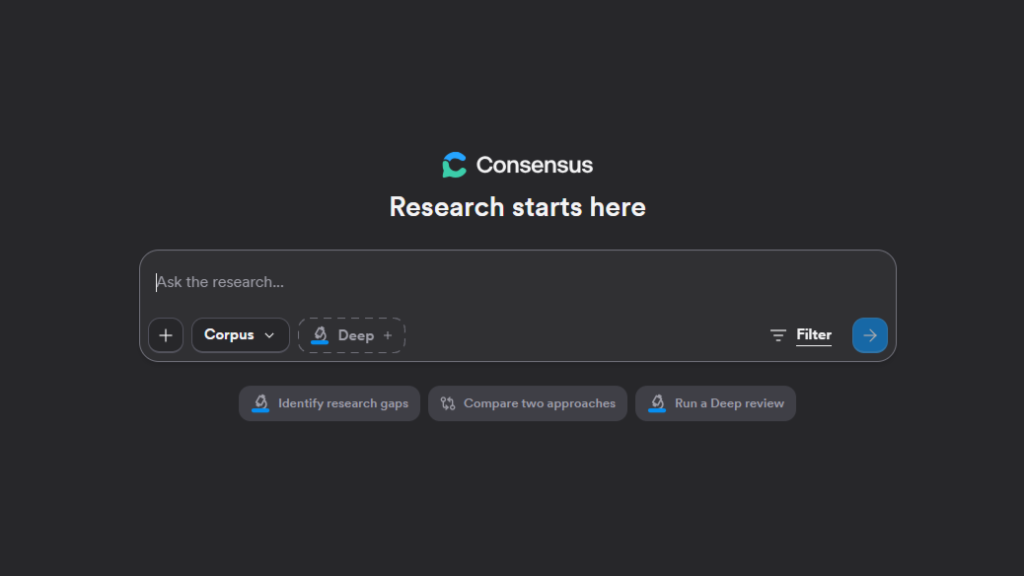
Consensus pulls answers exclusively from peer-reviewed research and shows you a “consensus meter” a visual breakdown of how many studies say yes, no, or it’s complicated to your research question.
This is the fastest way to get an evidence-backed answer when you’re still forming your thesis statement or trying to figure out if a claim you read somewhere is actually supported by research. It’s not a replacement for deep reading, but it’s an excellent first filter.
- Consensus meter shows scientific agreement at a glance
- Pulls only from peer-reviewed sources
- Study snapshots show sample size and methodology instantly
- Free tier supports basic search and summaries
Best for: early-stage hypothesis testing and debate prep. Limitation: it only covers indexed, peer-reviewed work, so very recent or niche papers may not show up.
4. NotebookLM
NotebookLM is different from the other tools here because it works only with what you upload. Drop in 20 PDFs, a few lecture slides, and your professor’s feedback notes, and it grounds every answer strictly in those documents no outside information, no guessing.
This matters enormously for academic integrity. Because NotebookLM can’t pull from anything except your uploaded sources, the hallucination risk that worries professors about general AI tools is dramatically reduced. It even generates audio-style summaries, which is genuinely useful if you process information better by listening on a walk than by staring at a screen.
- Grounds every response in your uploaded sources only
- Minimal hallucination risk compared to general AI chat tools
- Audio overview feature summarizes your sources conversationally
- Free during preview as of mid 2026 verify current pricing before relying on it
Best for: the organizing and synthesis phase, once you’ve already collected your core papers. Limitation: it’s document-grounded only, so it won’t discover new papers for you.
5. ResearchRabbit
ResearchRabbit calls itself “Spotify for papers.” You add a few seed papers to a collection, and it builds a recommendation engine around your reading patterns, surfacing new relevant work the same way a music app suggests your next favorite song.
What makes it stand out is the visual network map showing how papers, authors, and topics connect. If you’re trying to understand how an entire subfield evolved useful for the “background” section of a literature review this visual approach catches connections a simple keyword search would miss entirely.
- Visual citation network mapping
- Recommendations improve as you build your collection
- Completely free with no usage limits
- Email alerts for new papers in your area
Best for: discovering papers you wouldn’t have found through keyword search alone. A sociology PhD candidate famously used it to uncover ties between urban planning and public health literature, leading to a funded interdisciplinary dissertation topic.
6. Connected Papers
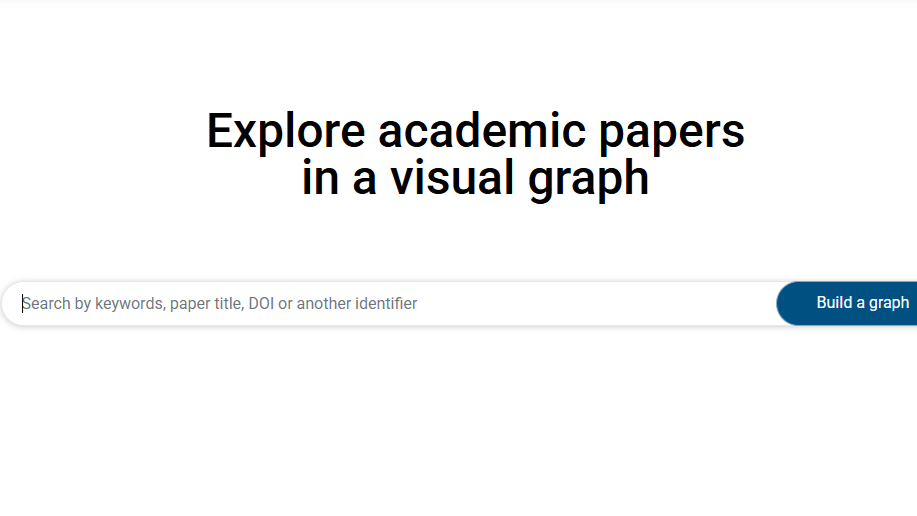
Connected Papers takes one seed paper and builds a visual graph of related work based on shared citations, not just keyword matches. It’s a faster, simpler alternative to ResearchRabbit if you just need one clean map of a research area.
The free tier gives you five graphs per month, which is usually enough for a single thesis chapter’s worth of background research. Each graph node is sized by relevance, so you can immediately spot the most influential papers in a field without reading abstracts one by one.
- Visual graphs built from shared citation patterns
- Free tier: 5 graphs per month
- Academic yearly plan available at low cost if you need more
- Intuitive interface with minimal learning curve
Best for: a quick visual snapshot of a research area before you commit to deep reading. Limitation: it relies on the Semantic Scholar database, so coverage gaps in that database carry over here too.
7. Scite (Free Tier)
Scite does something none of the other tools on this list do: it tells you whether a paper has been supported or contradicted by later research, not just how many times it’s been cited. This is called Smart Citations, and it’s genuinely useful for figuring out which sources in your literature review are still considered reliable.
A high citation count alone doesn’t tell you if a finding held up. Scite’s free tier gives you a handful of queries per month enough to spot-check your five or six most important sources before you build your argument around them.
- Smart Citations show supporting, contrasting, or neutral context
- Browser extension for instant in-page analysis
- Free tier: a limited number of queries per month
- Badge system flags well-supported versus disputed claims
Best for: verifying your key sources are still considered valid by the field, not just popular. Use it to understand academic debates not to cherry-pick only the citations that agree with you.
8. Zotero + Free AI Plugins
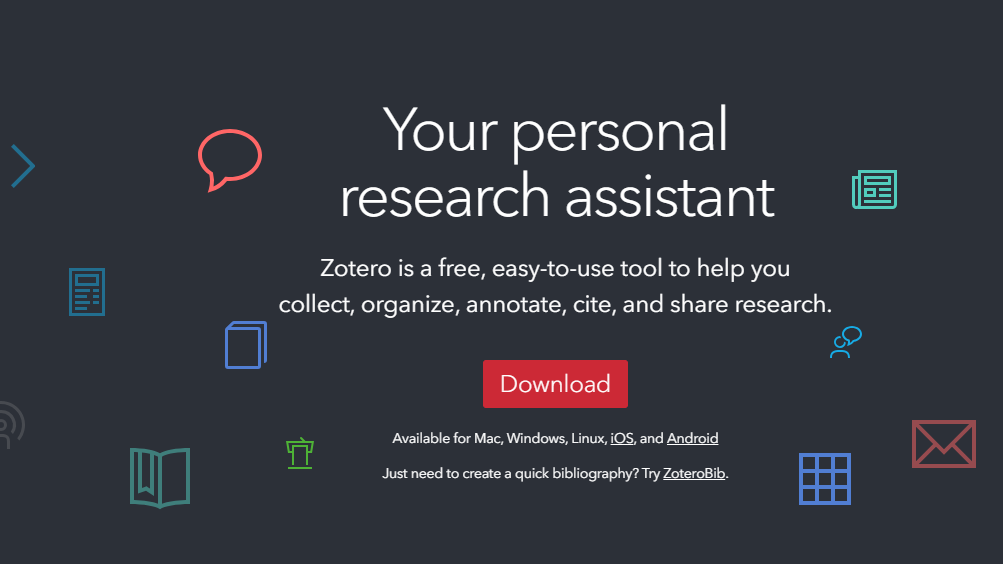
Zotero itself is a free, open-source reference manager the gold standard for organizing sources. Add free plugins like Better BibTeX or Zotero Scholar Citations, and it becomes a genuinely AI-enhanced research hub without leaving your existing workflow.
The biggest advantage here is that you’re not learning an entirely new platform. If you’re already collecting PDFs, Zotero organizes them, auto-formats your citations in APA, MLA, or Chicago style, and the AI plugins layer recommendation and tagging features on top.
- Automatic citation formatting in any required style
- AI plugins suggest related papers and auto-tag your library
- Completely free with unlimited storage
- Setup takes about 15 minutes, saves hours every week after
Best for: students managing 50+ sources who need everything organized in one place before writing begins.
9. Perplexity AI
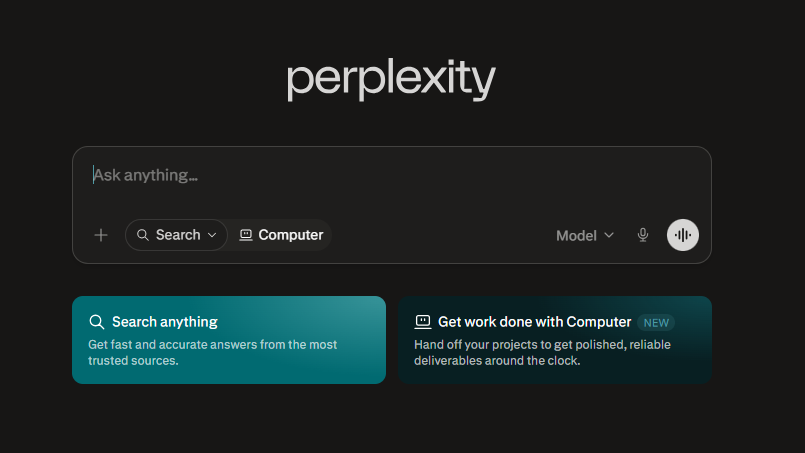
Perplexity functions like a search engine that answers in full sentences, with every claim linked to a cited source. For quick topic orientation getting a 10,000-foot view before you dive into a new research area it’s faster than reading five separate review articles.
It’s not built specifically for academic literature the way Elicit or Semantic Scholar are, so treat it as a starting point, not your primary research tool. Use it to understand unfamiliar terminology or get oriented in a new subfield fast, then move to the academic-specific tools for the real source-finding work.
- Cited answers pulled from multiple live sources
- Fast for general topic orientation
- Free tier covers standard daily use
- Useful for understanding terminology before deep research
Best for: the very first 20 minutes of a new research topic, before you know what to search for yet.
Comparison Table: Free Tier Limits at a Glance
| Tool | Best For | Free Limit | Citation Sourcing | Humanities-Friendly? |
|---|---|---|---|---|
| Semantic Scholar | Initial discovery | Unlimited | Real, verifiable | Yes |
| Elicit | Systematic comparison | ~50-100 papers/month | Sentence-level citations | Moderate |
| Consensus | Quick evidence checks | Basic search free | Peer-reviewed only | Moderate |
| NotebookLM | Synthesizing your sources | Free during preview | Your uploads only | Yes |
| ResearchRabbit | Finding hidden connections | Unlimited | Citation-based | Yes |
| Connected Papers | Visual topic mapping | 5 graphs/month | Citation-based | Yes |
| Scite | Verifying source reliability | Limited queries/month | Smart Citations | Moderate |
| Zotero + AI plugins | Organizing everything | Unlimited | Your library | Yes |
| Perplexity AI | Fast topic orientation | Standard daily use | Live cited sources | Yes |
The 7-Day Literature Review Sprint (Undergrad Edition)
Most AI research workflows online are written for PhD students doing 8-week systematic reviews. If you’re an undergrad with a three-week deadline, you don’t need that. Here’s a compressed version built for a single thesis chapter.
- Day 1-2: Cast a wide net. Use Semantic Scholar and Perplexity to find 30-40 potentially relevant papers. Don’t read anything in full yet just collect.
- Day 3: Filter ruthlessly. Run your shortlist through Elicit or Consensus to identify the 15-20 papers that actually answer your specific research question.
- Day 4: Build your map. Drop your top 5 papers into ResearchRabbit or Connected Papers to find anything important you missed.
- Day 5: Organize everything. Import your final source list into Zotero, tag by theme, and format citations as you go.
- Day 6: Synthesize. Upload your PDFs to NotebookLM and ask it to summarize themes, contradictions, and gaps across all your sources at once.
- Day 7: Verify and write. Spot-check your 5-6 most-cited sources in Scite, confirm nothing has been contradicted by later research, then start writing in your own words.
This sprint compresses what traditionally takes weeks into one focused week, because each tool handles a specific bottleneck instead of you doing everything manually.
How to Spot a Fake AI Citation (Real Example)
Here’s what a hallucinated citation can look like, and why it’s so dangerous: a general AI chatbot might confidently tell you “Smith et al. (2021) found that sleep deprivation reduces working memory by 23% in college students, published in the Journal of Cognitive Psychology.” That sounds completely legitimate. It has an author, a year, a specific statistic, and a real-sounding journal name.
The problem is that paper might not exist at all. General-purpose AI models generate plausible-sounding text based on patterns, not verified facts, which means fabricated citations, invented statistics, and made-up journal names can slip through looking entirely credible.
Compare that to a tool like Elicit or NotebookLM, where every claim links directly to a clickable source. Click it, and you land on the actual paper, the actual page, the actual sentence the claim came from. If a tool can’t show you exactly where its claim came from, treat that claim as unverified until you find it yourself in a real database.
The rule of thumb: never cite a paper you haven’t personally confirmed exists, regardless of how confident the AI sounds.
Best for Humanities & Social Science Theses
Most “AI tools for literature review” guides default to STEM examples clinical trials, lab studies, biology papers. If you’re writing a psychology, sociology, or English thesis, a few tools handle non-STEM sources noticeably better than others.
Semantic Scholar and ResearchRabbit both index humanities and social science journals thoroughly, not just hard sciences, making them solid starting points regardless of your major. NotebookLM is particularly strong for humanities work specifically because it can ingest book chapters, lecture notes, and PDF scans of older texts that aren’t always indexed in scientific databases something Elicit and Consensus, built primarily around clinical and scientific paper structures, handle less gracefully.
If your thesis leans qualitative or theoretical rather than data-heavy, lean on Semantic Scholar for discovery and NotebookLM for synthesis, and treat Elicit and Consensus as supplementary tools rather than your primary workflow.
Frequently Asked Questions
Q: What is the best free AI tool for a literature review?
A: Semantic Scholar is the strongest starting point because it’s completely free, requires no account, and indexes over 200 million papers with AI-generated TLDR summaries. For deeper synthesis once you’ve collected your sources, NotebookLM and Elicit are the strongest follow-up tools. Most students get the best results combining two or three tools rather than relying on just one.
Q: Can AI write a literature review without plagiarism risk?
A: AI tools can help you find, organize, and summarize sources, but you still need to write the actual analysis and synthesis yourself in your own words. The plagiarism risk comes from copying AI-generated text directly, not from using AI to locate sources. As long as you read the key papers and write your own interpretation, you’re on safe ground.
Q: How do I avoid fake citations when using AI for research?
A: Only use tools that link every claim to a clickable, verifiable source, like Elicit, NotebookLM, or Semantic Scholar. Never cite a paper generated by a general AI chatbot without confirming it actually exists in a real database first. If you can’t click through to the original source, treat the citation as unverified.
Q: Will my professor accept an AI-assisted literature review?
A: Most universities now distinguish between AI-assisted research (finding and organizing sources) and AI-generated writing (having AI write your sentences), and generally accept the former with proper disclosure. Check your specific department’s AI policy, since rules vary by institution and even by individual professor. A simple line in your methodology section noting which tools you used typically covers you completely.
Q: Can these tools handle a psychology or humanities thesis, not just STEM?
A: Yes, though some tools perform better than others outside hard sciences. Semantic Scholar, ResearchRabbit, and NotebookLM all handle humanities and social science sources well, while Elicit and Consensus work best with clinical or quantitative study structures. If your thesis is more theoretical or qualitative, lean on the first three tools as your primary workflow.
Q: How much time can AI realistically save on a literature review?
A: Researchers using AI-assisted methods report meaningfully reduced screening and summarization time compared to fully manual review, according to multiple 2025-2026 studies on AI-assisted research. Realistically, expect to cut your initial search and filtering time roughly in half, though critical reading and writing still require your own time and judgment.
Q: What’s the difference between Elicit and NotebookLM for a literature review?
A: Elicit searches external academic databases to discover new papers based on your research question, while NotebookLM only works with documents you’ve already uploaded yourself. Use Elicit first to find and filter papers, then move your final source list into NotebookLM to synthesize and summarize everything together.
Bottom Line
You don’t need nine tools open at once, and you definitely don’t need a paid subscription to pull off a solid literature review on a tight deadline. Pick two or three from this list that match your specific stage Semantic Scholar for discovery, NotebookLM for synthesis, Scite for verification and you’ll cover the entire process without spending a dollar.
The students who get flagged for AI misuse aren’t the ones using research tools responsibly. They’re the ones who let a chatbot write their analysis for them and never checked if the citations were even real. Use these tools the way they’re meant to be used for finding and organizing real sources and you stay completely in the clear.
Start with Semantic Scholar tonight, pull your first 20 papers, and build from there. Three weeks is plenty of time when you’re not doing it all by hand.